



Get the help you need. Without the wait.
Get connected with a professional, track your service in real time, and keep your home service experience simple from start to finish.
 Coming soon App Store
 Coming soon Google Play
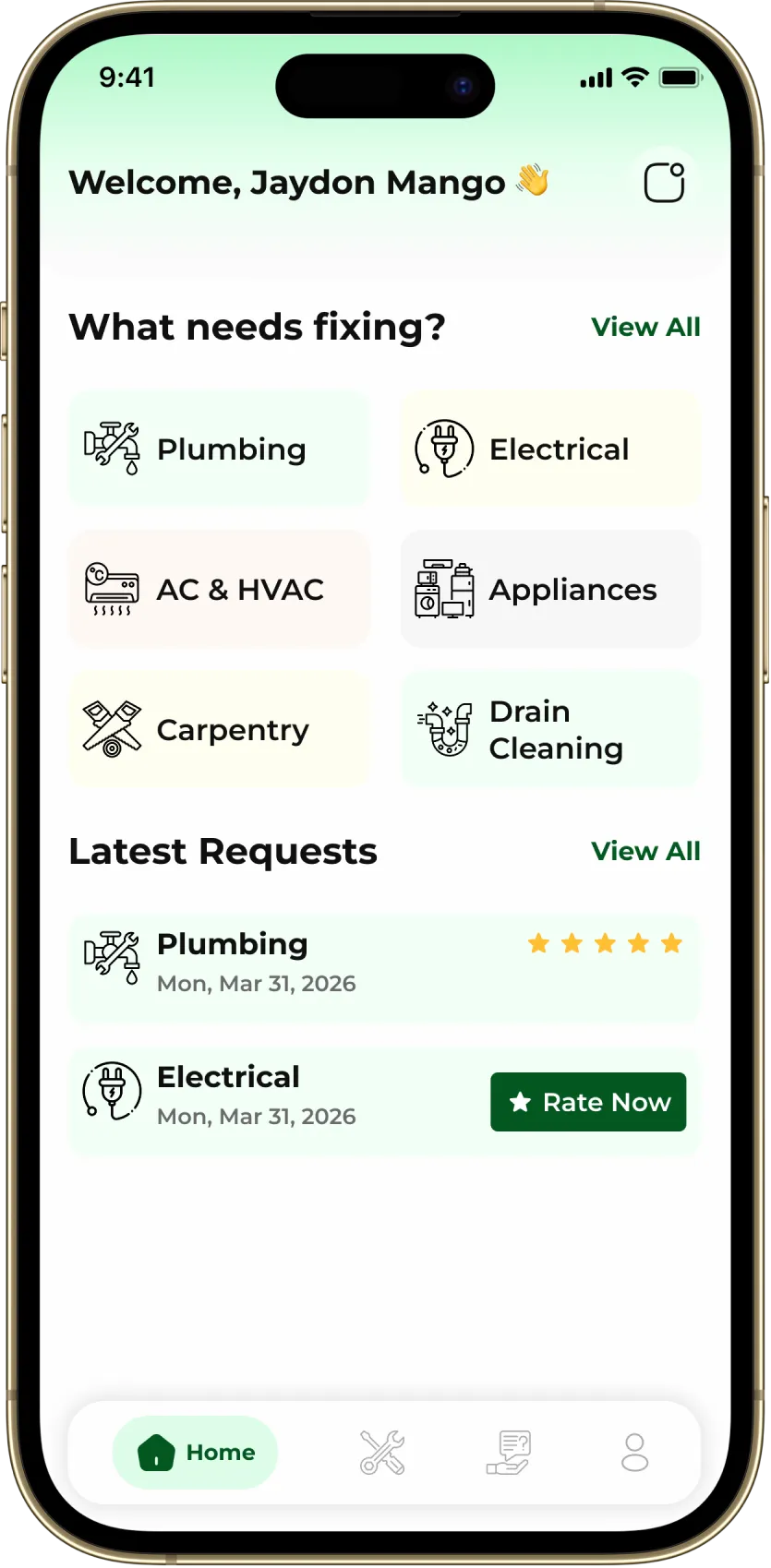
Home Services, Made Simpler.
Rushr makes home services simpler by connecting customers with Pros through one easy-to-use app. From requesting a service to tracking progress and managing payments, everything comes together in one convenient, transparent experience.
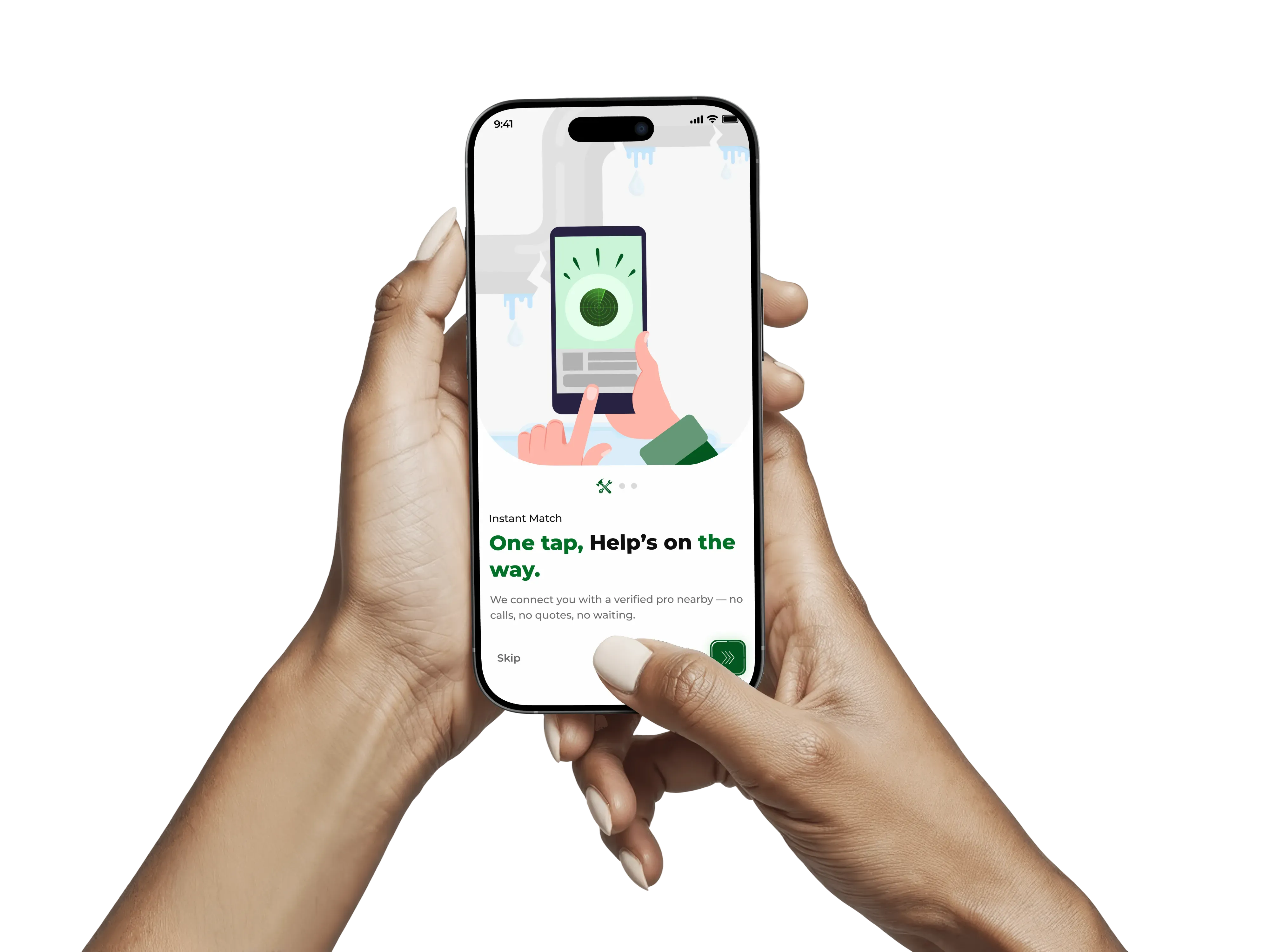


Fast when you need it.
Connect with available professionals without the usual delays.

Right professional for the job.
Find the service you need and connect with a professional who can help.

Clear from start to finish.
Stay informed throughout the service with less uncertainty and more visibility.

Simple by design.
Everything you need to request, manage, and complete a service — all in one place.
Services for Every Home Need.
From everyday home needs to urgent service requests, Rushr connects you with professionals ready to help.

Plumbing
Leaks, repairs, and plumbing issues.

Electrical
Electrical repairs and installations.





HVAC
Heating, cooling, and AC services.

Other Services
More services to cover all your home needs.
Trust Starts With the Right Pros.
Your peace of mind matters. Learn how Rushr verifies each Pro’s identity, professional credentials, and insurance to help you feel more confident every time you request a service.

Matched to Your Job
Pros share their background and the services they offer to help match customers with the right professional.

ID-Verified Pros
Pros verify their identity using a valid government-issued ID, such as a driver's license or passport.

Licensed for Their Trade
Pros submit a valid professional license for their trade to demonstrate their qualifications and expertise.
Insured Pros
Pros provide proof of valid business insurance to meet Rushr’s requirements and support a safer, more reliable service experience.


From Request to Done, It’s That Simple.
From finding the right professional to completing your service, Rushr keeps everything you need in one simple app.
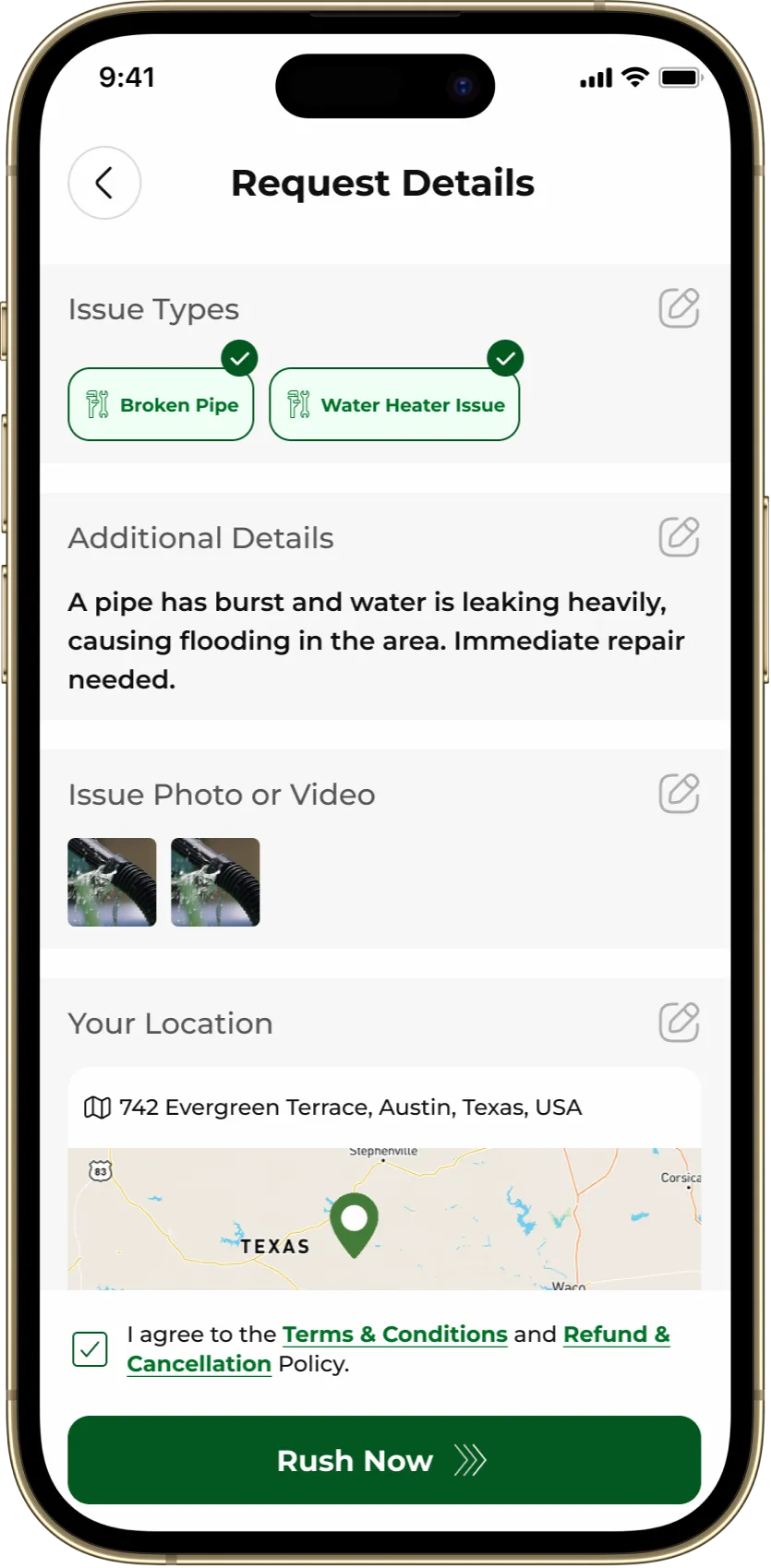
It Starts With What You Need.
Tell Rushr what needs fixing, where you need help, and a few details about the job. Submit your request in just a few simple steps, and let Rushr connect you with the right Pro.
- Select your service.
- Share the details.
- Review your request.
- Request a Pro.
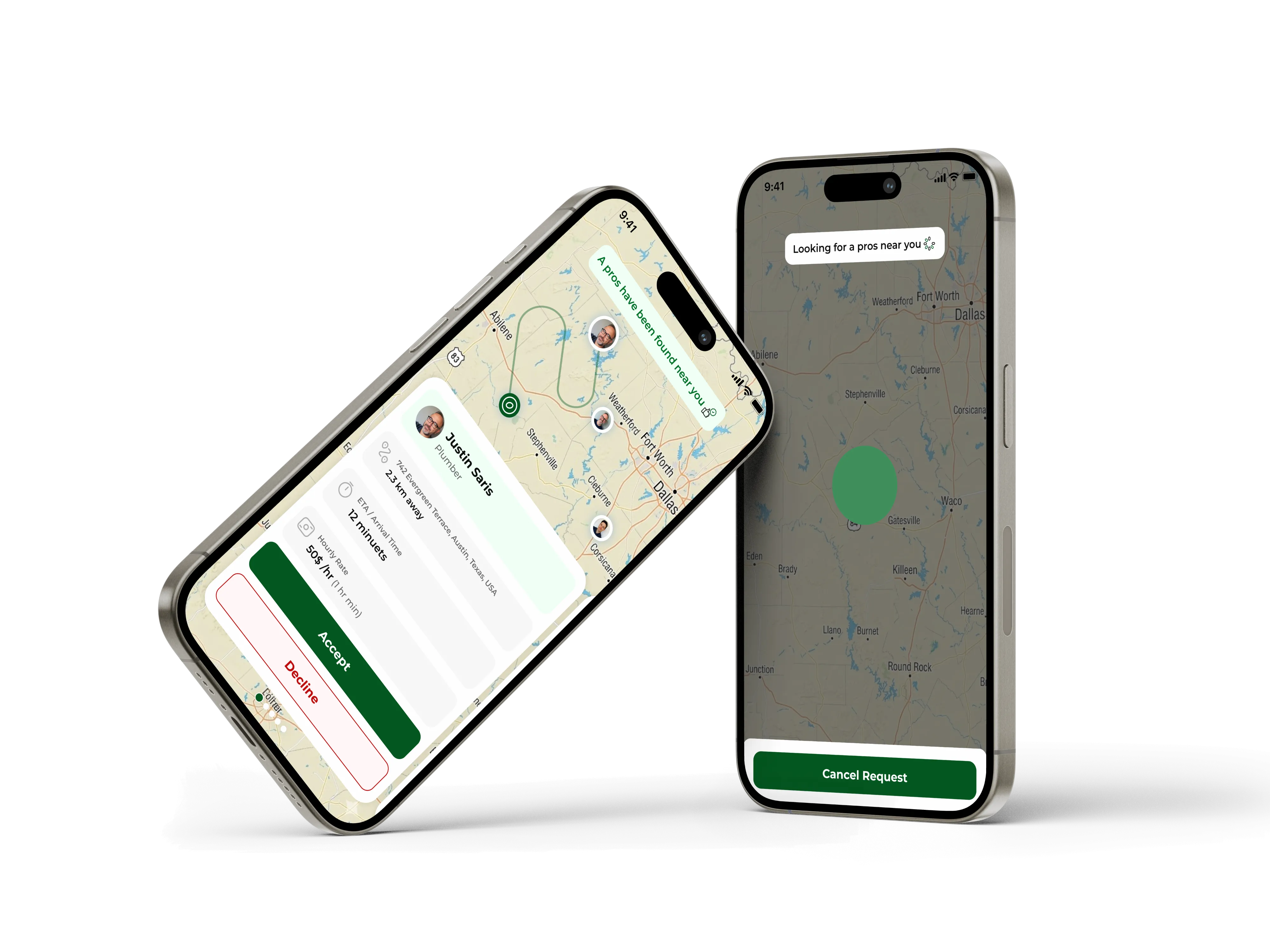
Meet the Right Pro for the Job.
Once a Pro responds to your request, you can review their profile, understand their offer, and see the service details before deciding to move forward. When you’re ready, accept the offer and get things moving.
- Receive an offer.
- Explore the Pro’s profile.
- Review the details.
- Accept the offer.
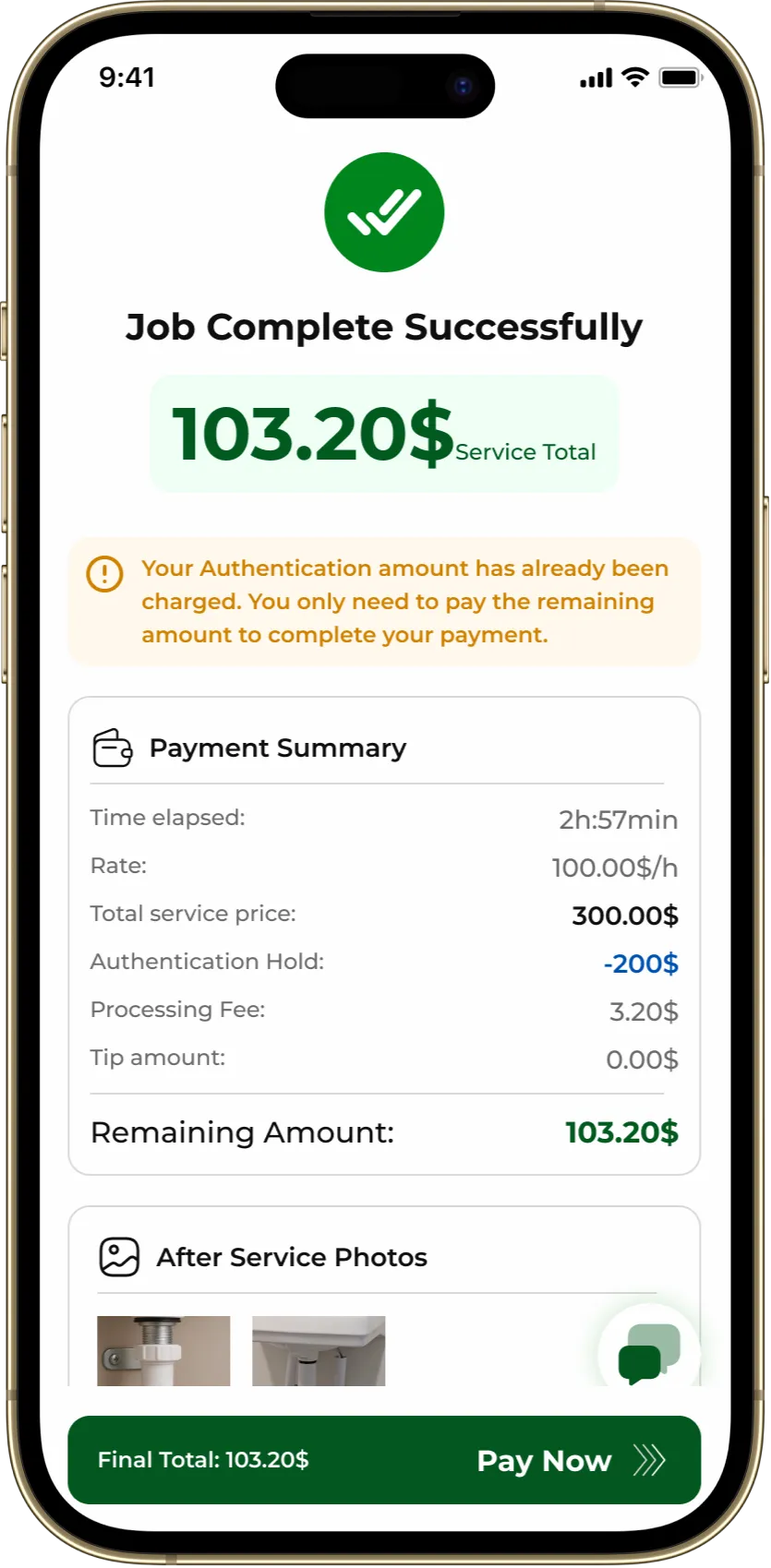
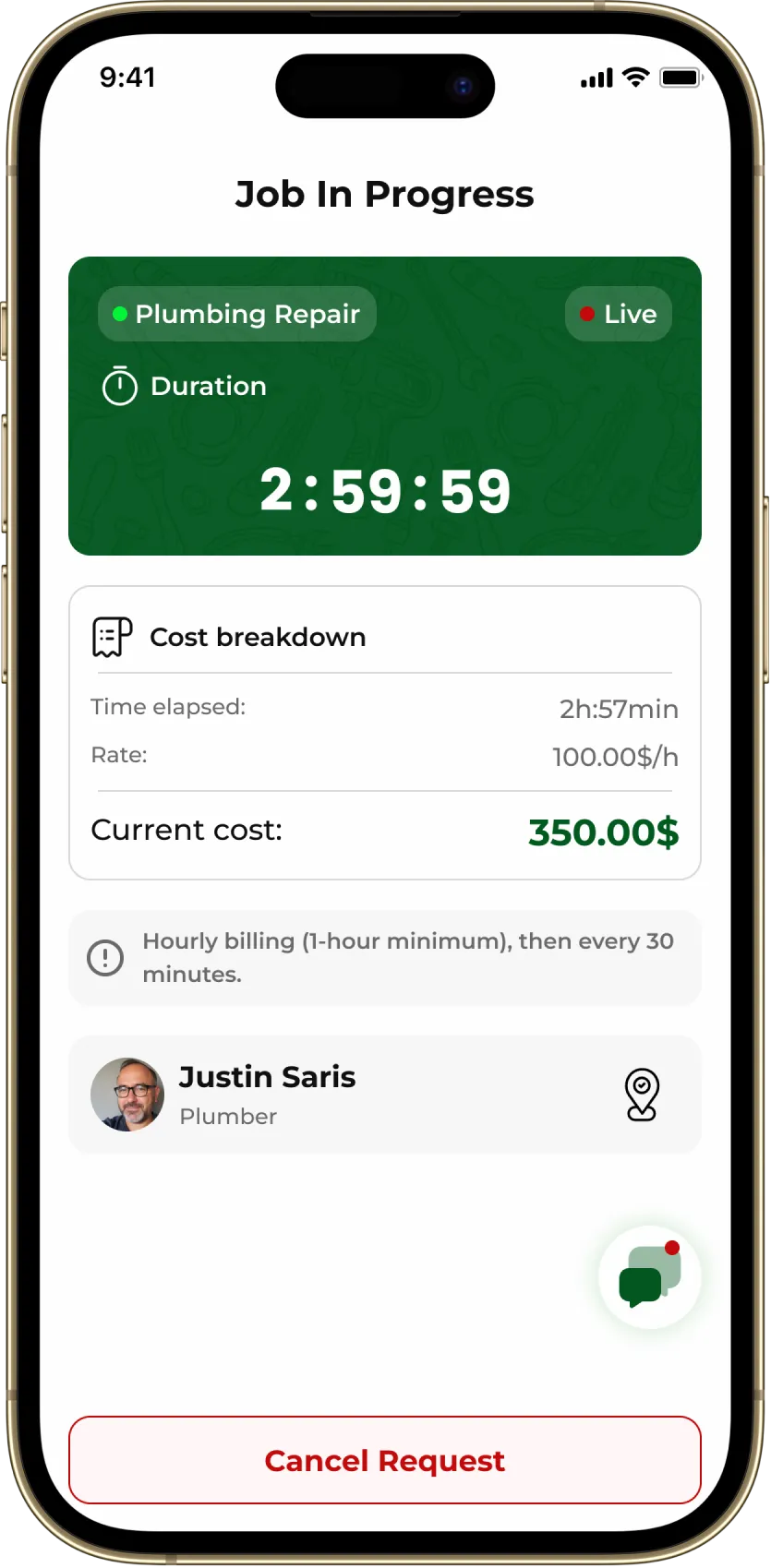
Stay in the Loop, Every Step.
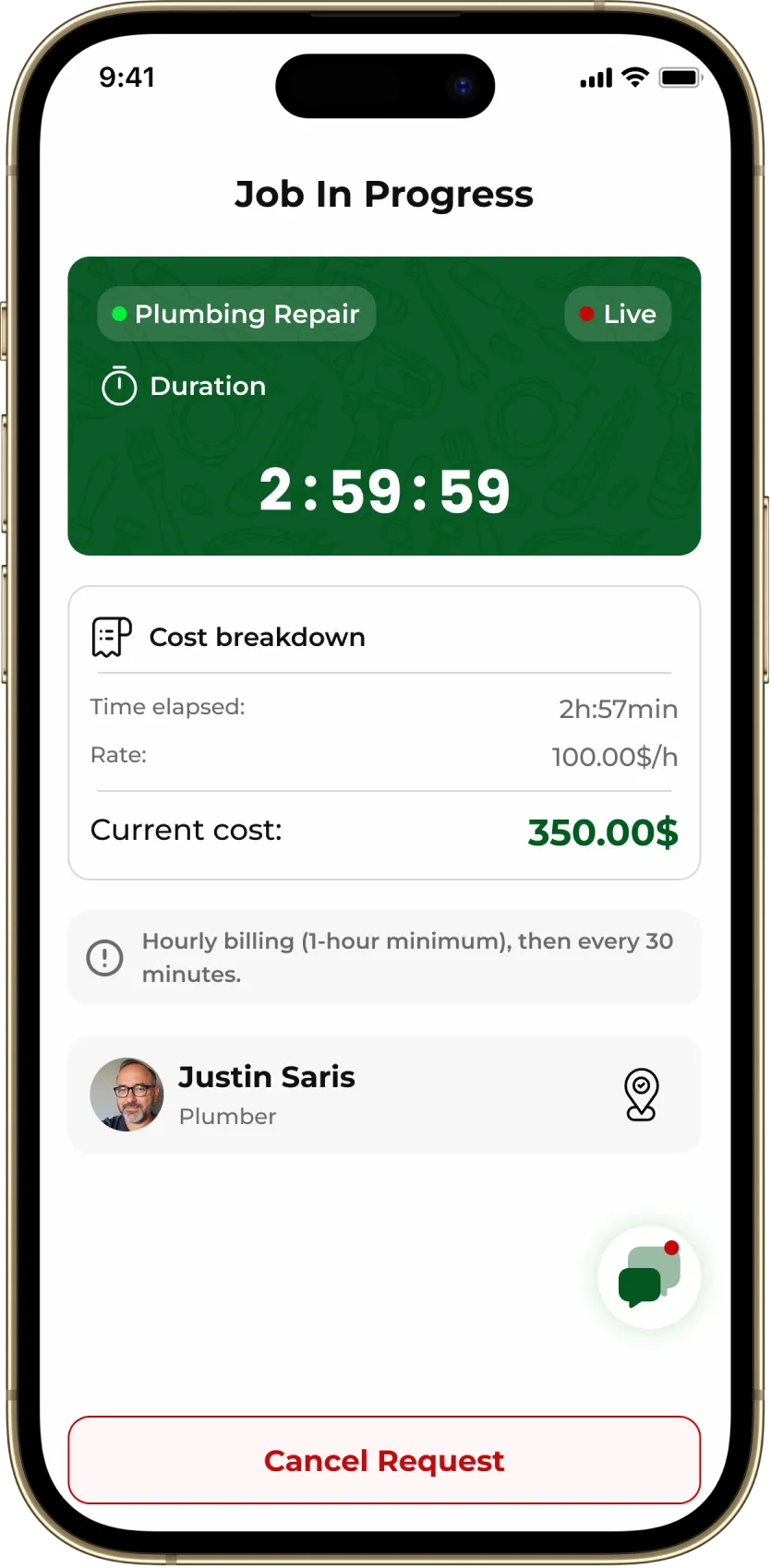
From reviewing the estimated cost to following your service through completion, Rushr helps you stay informed along the way. Once the job is done, review the final amount and payment details right in the app.
- Follow your service.
- Review the estimated cost.
- Confirm your payment method.
- Complete your service.
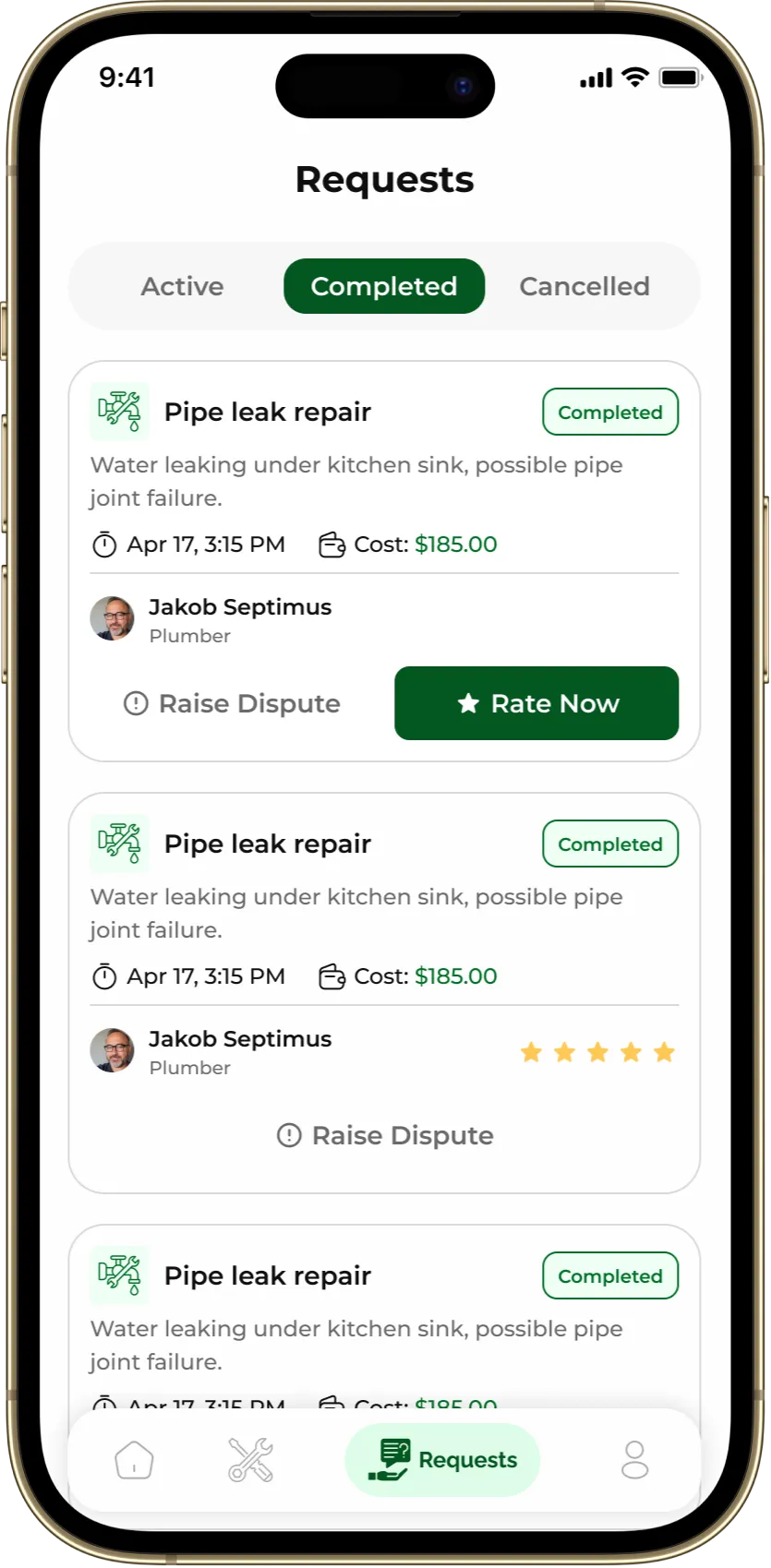
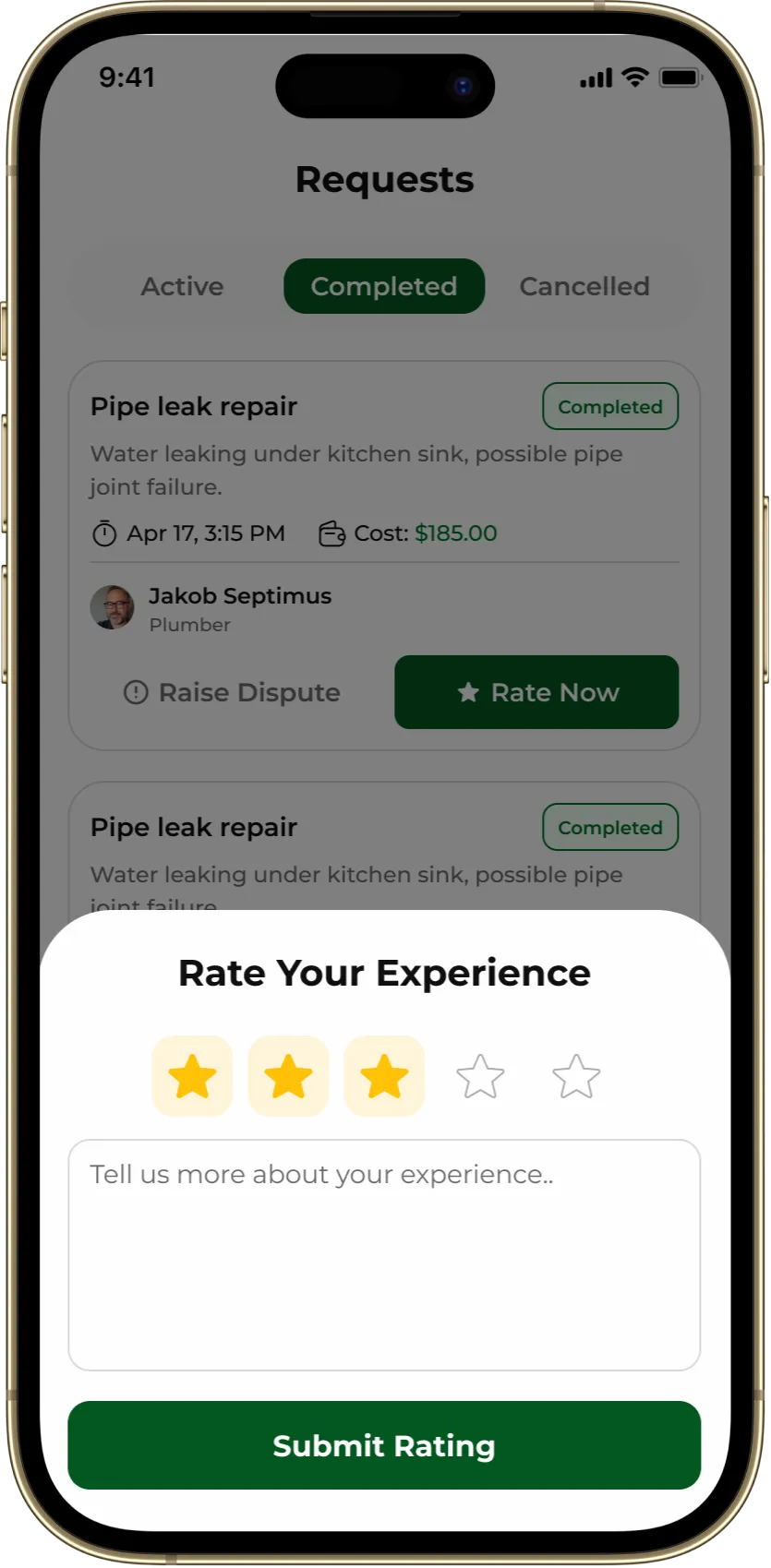
Your Experience Matters.
The job is done, but your Rushr experience doesn’t end there. Revisit your completed service, check your invoice, and share your feedback to help make every service experience better.
- View your completed service.
- Review the service details and invoice.
- Rate your experience.
- Share your feedback.


Download Rushr today. Home services, without the hassle.
Get connected with a professional, track your service in real time, and keep your home service experience simple from start to finish.
Coming soon App StoreComing soon Google Play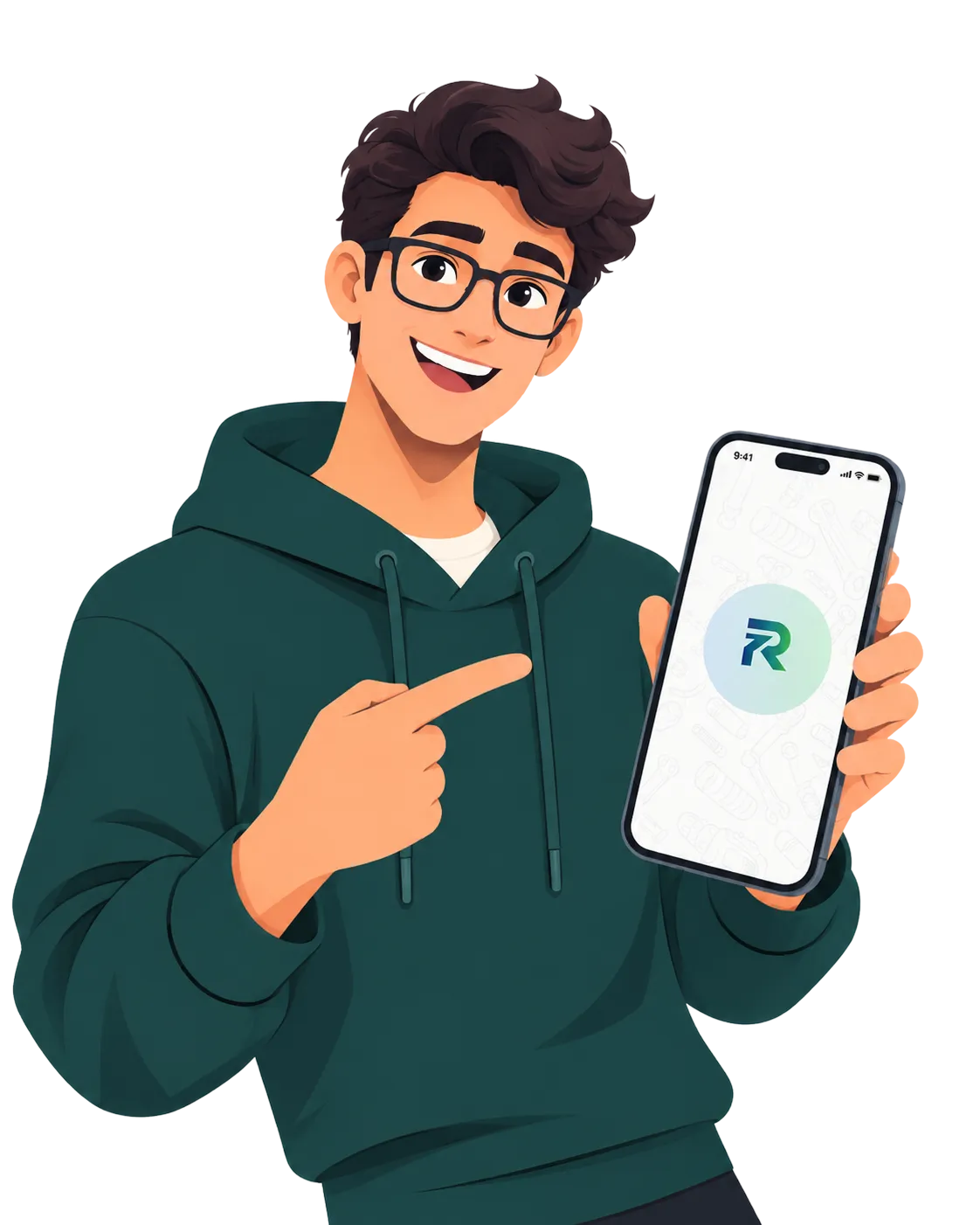
You’re a Pro? Let’s Grow Your Business.
Connect with customers who need your skills, take on jobs that work for you, and manage your services — all from one app.
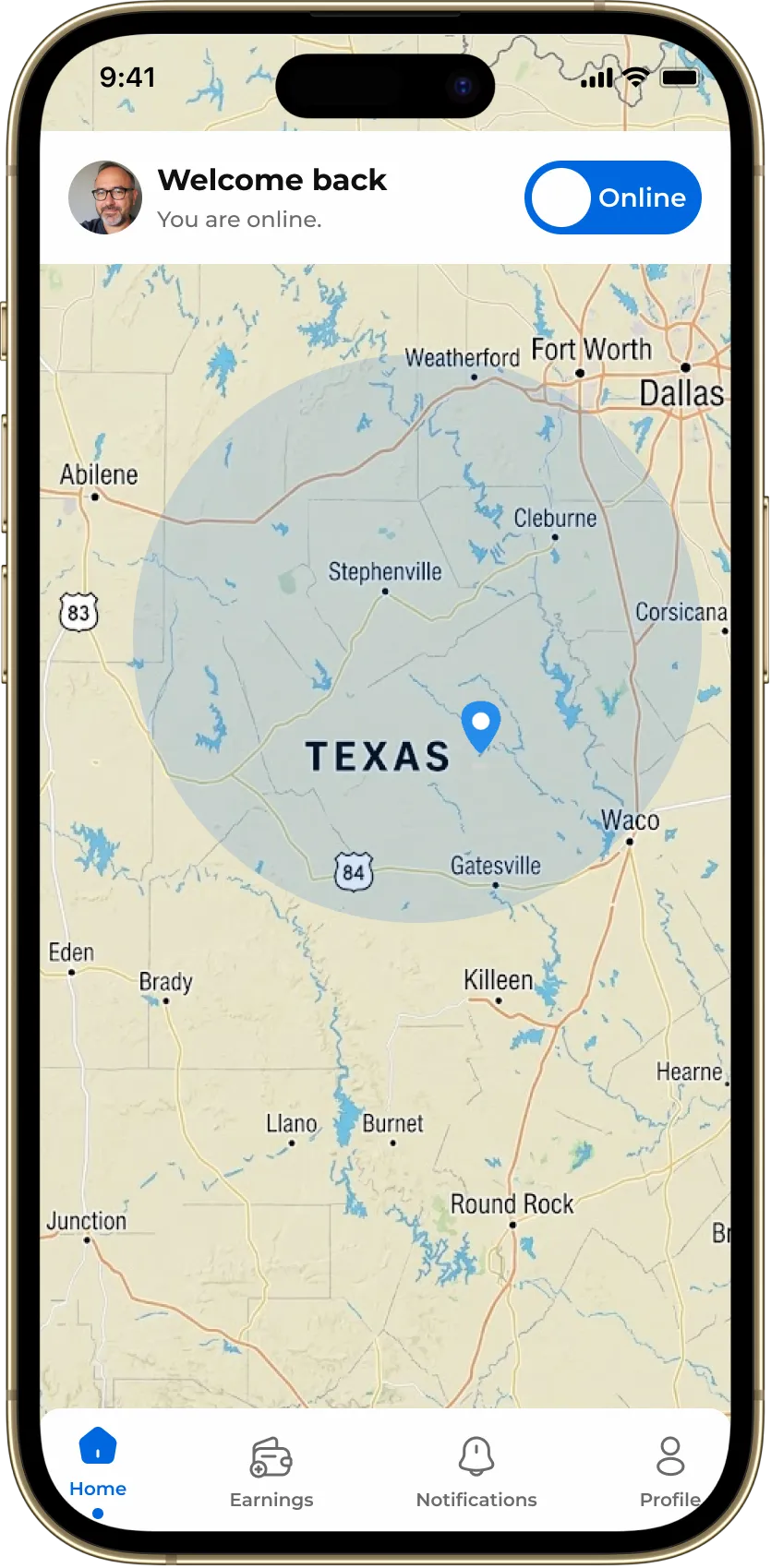
Reach More Customers
Connect with customers looking for the services you offer in your area.
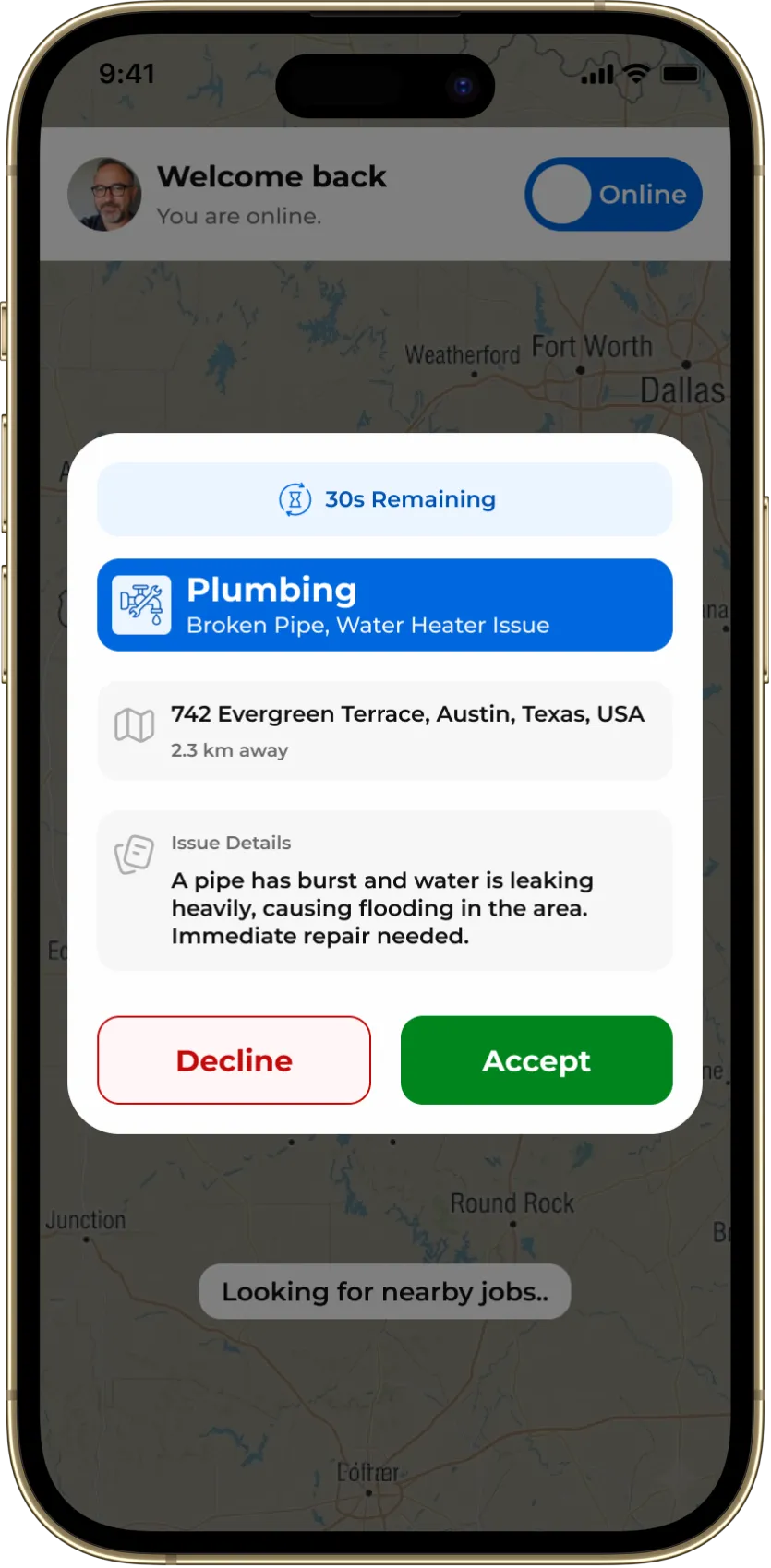
Accept the Jobs You Want
Review each request, send your offer, and take only the jobs that work for you.
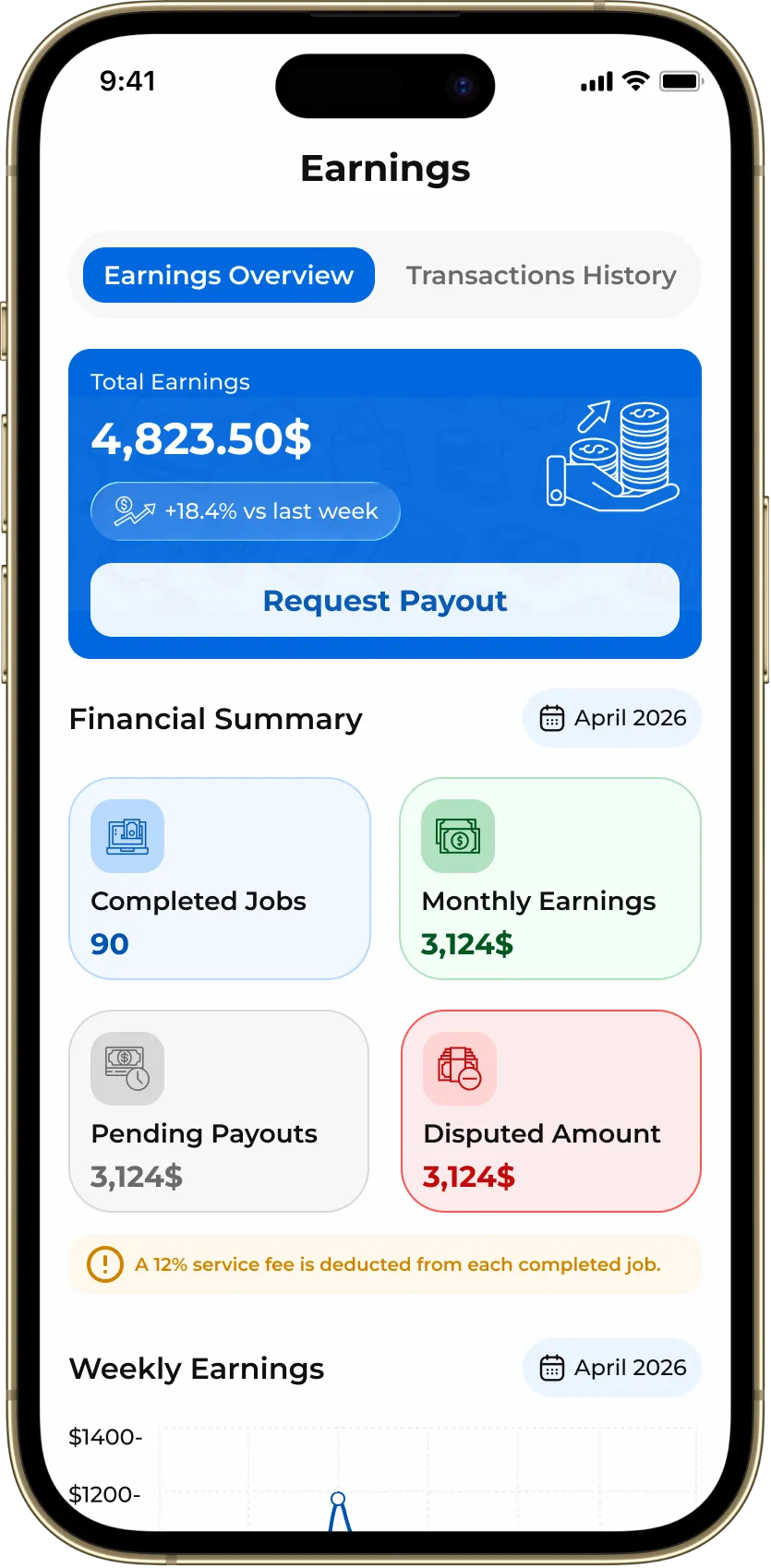
Manage Your Work in One App
Review offers, follow job progress, and manage payments right in the app.

How to Get Started as a Pro.
A simple process to get you ready to work with Rushr.
Download Rushr App
Get the app and select “I’m a Pro” to start your registration.
Set Up Your Profile
Add your details and select the services you offer.
Complete Verification
Verify with your ID, professional license, and business insurance.
Start Receiving Requests
Once your profile is approved, you can start receiving requests.




Ready to Grow Your Business?
Join Rushr and connect with customers looking for your skills.
Download Rushr and choose “I’m a Pro” to start your registration.
Coming soon App StoreComing soon Google Play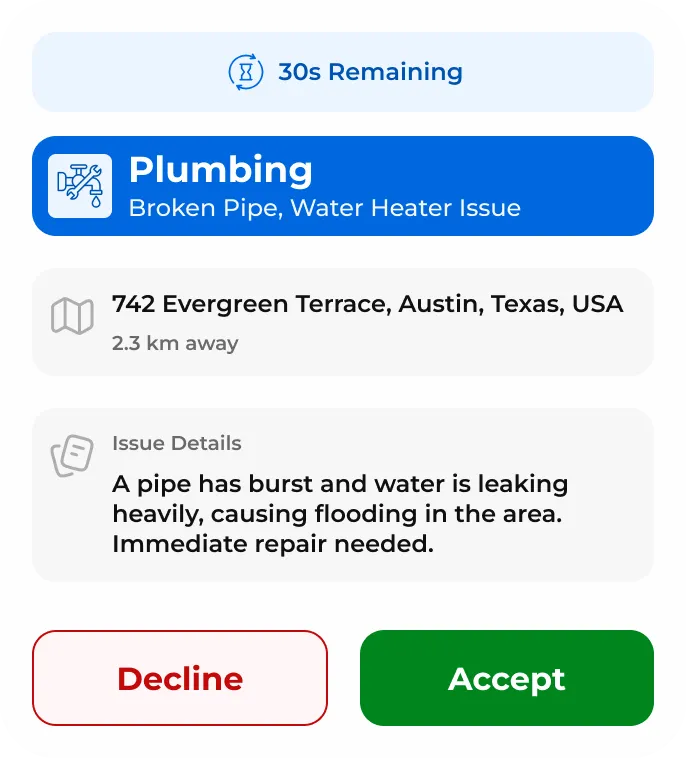
Got Questions? We’ve Got Answers.
Everything you need to know about Rushr, from requesting a service to connecting with a Pro and getting the job done.
How does Rushr work?


Pick a service, describe the job and send the request. Available Pros nearby respond and you choose one. You see their name, rating and arrival on the map. Share your PIN when they arrive, and pay in the app when the job is done.
What types of services can I request?
Home services such as plumbing, electrical and HVAC repair, in the United States. The app shows the full list of services available to you.
How do I know what I’ll pay?
You pay the Pro’s hourly rate for the time worked: a 1-hour minimum, then 30-minute steps, Pros may add parts to the final price, and you see the total before you pay. The rate is shown when a Pro accepts and locked when you choose them.
Can I track my service in real time?
Yes. Once a Pro accepts, you see their name, rating and arrival on the map. The timer only starts once you share your PIN at the door.
How do I pay for a service?
Card, Apple Pay or Google Pay. When you choose a Pro, we hold two hours of that Pro’s rate. It’s not a charge. We charge the final amount when the job is done and release the rest. A job that runs longer than two hours is charged for the extra time when it ends.
Can I cancel a service request?
Yes, you can cancel your request according to Rushr’s cancellation policy. Any applicable charges will depend on the stage of your service.
How do I join Rushr as a Pro?
Download the app and choose “I’m a Pro”. Add your details and services, then verify your ID, professional license and business insurance. We review applications as quickly as we can.
How much does Rushr charge Pros?
On the standard plan, a 12% platform commission per job plus a 3% payment processing fee, both taken from the job price. Tips go to you in full.
When do Pros get paid?
Earnings are released 48 hours after the job, if no complaint is raised, and paid out weekly, monthly or manually, as you choose in Payout Schedule.